
Business Process Automation With MCP: A Practical Guide
What MCP changes for business process automation: which workflows to start with, the tools that support it, and the guardrails that keep AI-run processes safe.
· 16 min read
 AI automation and MCP
We connect AI models to the tools you already use, so the steps where someone reads, decides and types it somewhere else run on their own. A person still checks anything that matters.
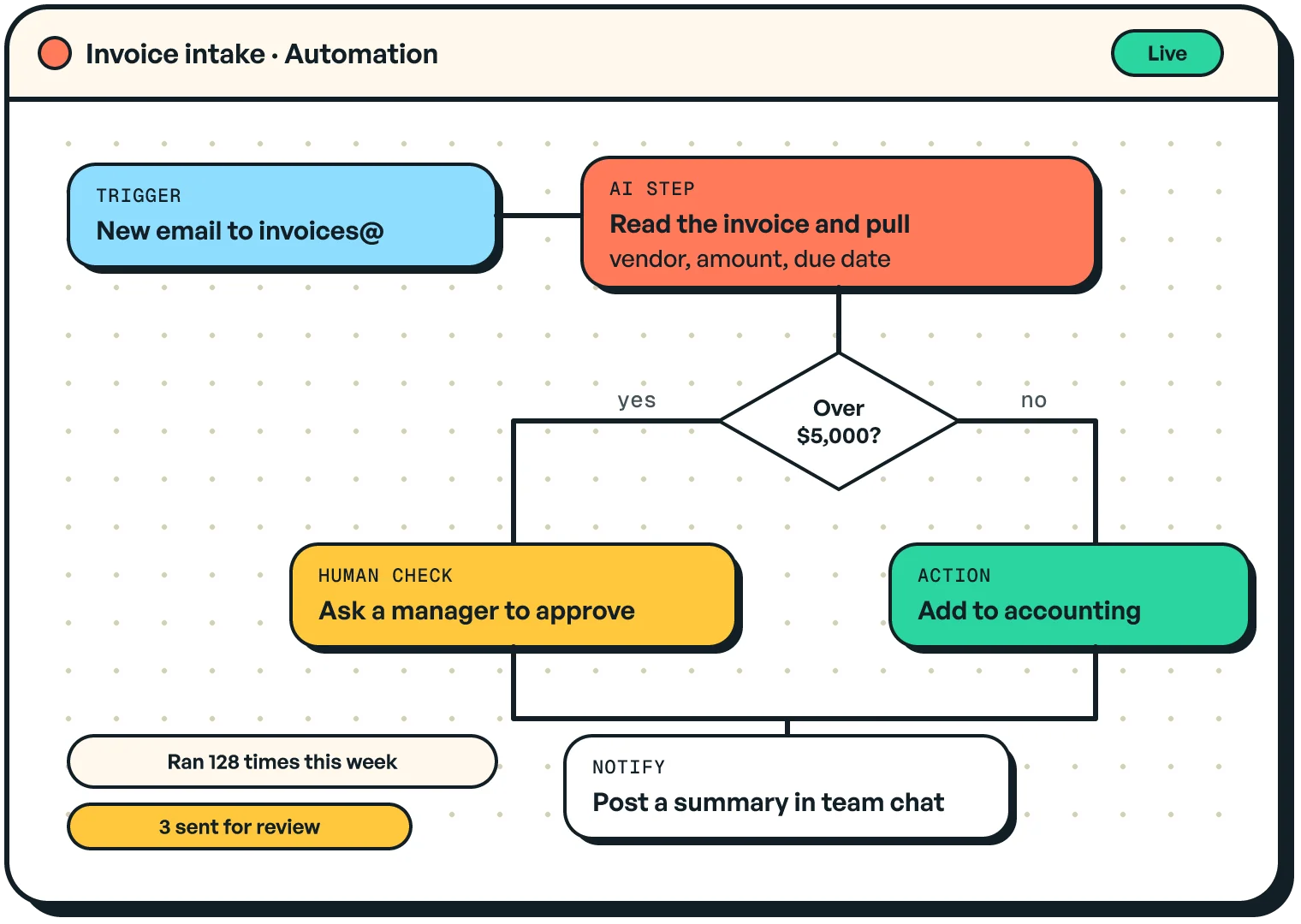
Sound familiar?
What we build

Read the message, enrich it, route it to the right person and draft a reply.
Pull the fields out of invoices, forms and PDFs, check them and file them.
A safe, narrow connection between AI tools and your internal systems or database.
Numbers pulled from your tools, summarised and posted where your team reads them.
How we work
Every step, system and decision, including the exceptions people handle from memory.
The AI's output is logged and compared with what your team did, before it acts.
It acts with a person approving each step. Approval comes off only for actions with a clean record.
Each connection gets only the data and actions it needs, and every call is logged.
From the blog
What MCP changes for business process automation: which workflows to start with, the tools that support it, and the guardrails that keep AI-run processes safe.
· 16 min read
MCP (Model Context Protocol) is an open standard for connecting AI models to tools and data. You don't need to know it exists, but building on it means your automations keep working when you switch AI models.
Not at first. Every automation starts in shadow mode, then runs with a person approving each action. Anything that moves money, deletes data or talks to a customer keeps a human check.
Anything with an API, plus most databases and file stores. Common ones are CRMs, email, accounting tools, Google Workspace, Slack and automation platforms like n8n or Zapier.