 AI Automation
How Much Does AI Automation Cost? Real Prices for Small Businesses
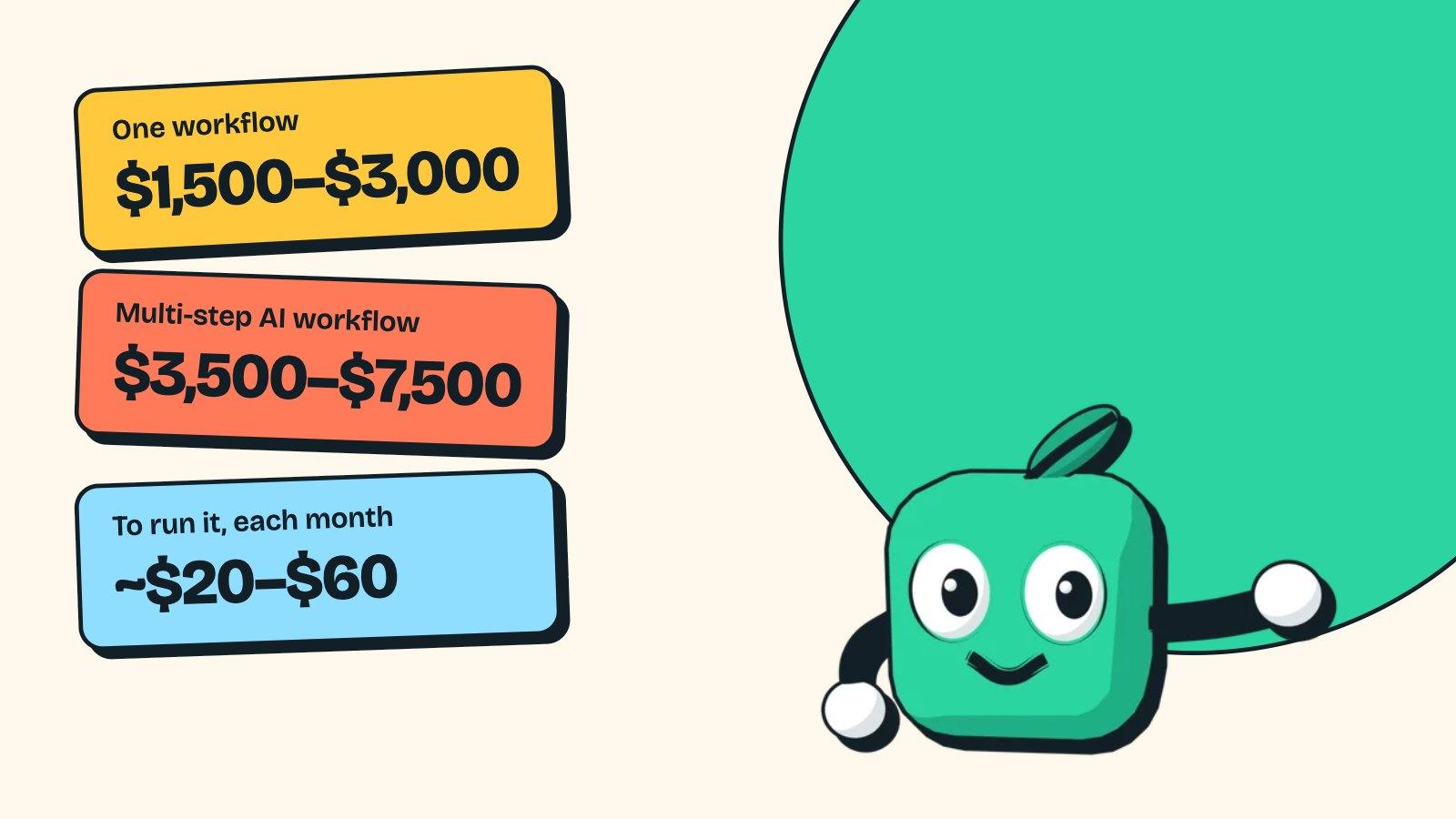
AI automation cost for small businesses: $1,500–$3,000 per workflow, $3,500–$7,500 for multi-step AI, about $20–$60 a month to run. Pricing and payback math.

By Taegan Murphy, Founder, MintLooks
11 min read
In this article
- How much does AI automation cost by project type?
- What do AI automation services include?
- What drives AI automation pricing up or down?
- What are the monthly running costs?
- Worked example: does it pay back?
- Is AI automation worth it? When it doesn't pay back
- Is AI automation free?
- AI automation agency pricing vs a freelancer or DIY
- A real example: this site's lead system
- How to get a fixed price for your automation
- Frequently asked questions
How much does AI automation cost? For a small business, one automated workflow (2 to 4 tools, with an approval step) usually costs $1,500 to $3,000 to build. A multi-step workflow where AI reads, sorts or drafts costs $3,500 to $7,500. Running it typically adds $20 to $60 a month in tool plans and AI usage. It pays for itself when it saves your team about 10 or more hours a month.
Those are the prices I charge for AI automation services at MintLooks, published so you can compare them with anyone else's quote. The rest of this guide covers what moves a price up or down, what the monthly bill is made of (with the vendors' own price lists), a worked payback example, and the cases where automation isn't worth paying for.
How much does AI automation cost by project type?
| Project | Build price | Timeline | What it usually covers |
|---|---|---|---|
| Automation audit | $350, credited to the build | About a week | One process mapped, what to automate, hours saved, a fixed quote |
| One workflow | $1,500–$3,000 | 1–2 weeks | 2 to 4 tools connected, an approval step, error alerts |
| Multi-step AI workflow | $3,500–$7,500 | 2–4 weeks | AI reads, classifies or drafts; a person approves; logs of every action |
| Several connected workflows or a custom AI integration | Quoted after the audit | 4+ weeks | Shared data, custom code, an MCP connection to your own systems |
| Care plan | $150–$500 a month | Ongoing | Monitoring, fixes when a tool changes its API, small changes |
For comparison, published 2026 pricing guides from agencies put simple workflow automation at about $1,500 to $4,000 (Galaxy Marketing Services) and multi-step AI workflows at about $5,000 to $15,000 (Bluecore Automation). For small businesses, that gap matters: a one-person studio sits at the low end of those ranges because there's no account manager or agency overhead in the price.
What do AI automation services include?
Whoever you hire, a fixed price should cover the whole job, not just the build:
- Discovery: mapping the process, the volumes and the exceptions before any quote.
- The build: connections to each tool, the AI steps, and the rules around them.
- Shadow testing: the automation runs alongside your team for a week or two and its output is compared with what people did, before it acts on its own.
- Approval steps and logs: a person signs off on anything risky, and every action is recorded.
- Handover: the accounts in your name, a short written guide, and what to do when something fails.
If a quote leaves out testing or handover, the price is lower because the job is smaller, not because it's cheaper.
What drives AI automation pricing up or down?
In most AI automation projects, the AI is the cheap part. The cost is the work around it:
- Number of tools. Each system the workflow reads from or writes to (CRM, inbox, accounting, spreadsheets) needs its own connection, permissions and error handling. Two tools is a small job; six is not.
- How messy the inputs are. A web form with fixed fields is easy. Scanned PDFs, free-text emails and invoices in ten different layouts are where AI earns its keep, and where testing takes longer.
- Exceptions. The rule your team follows 90% of the time is quick to build. The other 10% ("unless it's from this supplier, then call the office manager") is most of the build time. Finding those exceptions up front is the point of an automation audit.
- Approval steps. Anything that sends money, deletes data or emails a customer should wait for a person to approve it at first. That's a small extra cost and the cheapest insurance you'll buy.
- AI or plain rules. If the step can be written as "if X, then Y", it doesn't need AI and shouldn't pay for it. AI is for steps where someone reads and decides.
- Data access and security. Read-only access is simpler than write access. Connecting AI tools to your internal systems through a narrow, logged connection is covered in the guide to business process automation with MCP.
What are the monthly running costs?
Three things make up the monthly bill. All prices below are from the vendors' own pricing pages, checked in November 2026.
| Cost | Typical small-business amount | Source |
|---|---|---|
| Workflow tool plan | Zapier Free: 100 tasks a month. Zapier Professional: from $19.99 a month (billed yearly) or $29.99 monthly for 750 tasks. n8n Starter: €20 a month (billed yearly) for 2,500 workflow runs. Make Free: 1,000 credits a month | Zapier, n8n, Make |
| AI usage | Usually under $10 a month for a few hundred documents. Anthropic lists Claude Sonnet 5.5 at $2 per million input tokens and $10 per million output tokens | Claude pricing |
| Hosting and email | Often $0 at small volumes. Resend's free plan sends 3,000 emails a month (100 a day); HubSpot's free CRM covers 2 users and 1,000 contacts | Resend, HubSpot |
The surprise for most people is how small the AI part is. A token is roughly three-quarters of a word, so a one-page invoice is a few thousand tokens. The tool plan usually costs more than the AI.
The cost that does add up is upkeep. Tools change their APIs, a supplier switches invoice layouts, someone renames a field in the CRM. Budget either a care plan or a few hours of developer time when something breaks. I quote that separately so it's never a surprise.
Worked example: does it pay back?
This is an example with stated assumptions, not a client result.
A 10-person firm processes 500 supplier invoices a month. Someone opens each email, keys the vendor, amount and due date into the accounting tool and flags anything over $5,000. That takes about 4 minutes an invoice, or 33 hours a month.
| Before | After | |
|---|---|---|
| Staff time | 33 hours a month | About 3 hours (reviewing the 10% the automation flags) |
| Cost of that time | ~$720 a month | ~$65 a month |
| Tools and AI | $0 | ~$30 a month (n8n Starter, plus about $6 of AI usage) |
| Build | $2,500 one time |
The hourly figure uses the US median wage for general office clerks, $21.64 an hour in May 2025 (BLS), before payroll taxes and overhead. The AI estimate assumes about 4,000 input and 500 output tokens per invoice at the Sonnet 5.5 prices above.
That's roughly $625 a month saved, so the $2,500 build pays back in about four months, and the same 30 hours go to work that needs a person. If your numbers are half this (250 invoices a month), payback is closer to eight or nine months, which is still worth doing. Below that, read the next section.
If you just pictured your own version of this table, that's the process to bring to a $350 automation audit. You get the map, the hours saved from your real volumes and a fixed price.
Is AI automation worth it? When it doesn't pay back
Skip it, or wait, when:
- The process takes under 5 to 10 hours a month. At ~$22 an hour, saving 5 hours is about $110 a month, so even a $1,500 build takes over a year to pay back.
- The rules change every few weeks. You'll pay to rebuild it each time.
- Every case needs a judgment call. AI can draft, but if a person has to rethink each one from scratch, you've saved little.
- The data isn't there yet. If the information lives in someone's head or in paper files, fix that first.
An audit that says "don't automate this" is a good result. It costs $350 instead of a few thousand.
Is AI automation free?
Partly. Zapier's free plan gives you 100 tasks a month, Make's free plan 1,000 credits, and n8n can be self-hosted from its public code on GitHub (n8n). For one simple, low-volume flow you can build yourself, that's enough.
What isn't free is the time to build it properly, handle the exceptions and fix it when it breaks. A free-tier zap that silently stops working is how invoices go unpaid. That's the point where people usually hire someone.
AI automation agency pricing vs a freelancer or DIY
| Option | Best for | Watch out for |
|---|---|---|
| Do it yourself (Zapier, Make, n8n) | One simple flow with fixed inputs | Your time, and no one to call when it breaks |
| Freelancer or small studio | One to a few workflows, fixed price | Check they handle exceptions and approvals, not just the happy path |
| Agency | Many workflows across departments, ongoing retainer | You pay for account management and process |
Whoever you hire, ask for a fixed price per workflow, a written list of what happens when something goes wrong, and who owns the accounts the automation runs on (it should be you). If you're hiring a developer for a bigger custom build, this guide on what to check before hiring a freelance web developer covers the questions to ask.
A real example: this site's lead system
This website's own lead intake is an automation I built for MintLooks in November 2026. When someone sends a brief:
- Their contact is created or updated in HubSpot, tagged with the page and campaign they came from.
- A deal opens in the sales pipeline with the budget they picked, plus a note with their message.
- A follow-up task lands on my list, due within a business day, and an alert email goes out.
- If they book an intro call on Cal.com, the deal moves to "Call booked" and the meeting is logged.
No one copies anything by hand, and nothing gets lost in an inbox. It runs on HubSpot's free CRM and Resend's free email plan, so at current volumes the monthly tool bill is $0. That's the kind of build that sits in the $1,500 to $3,000 band above. See how these are scoped on the AI automation service page.
How to get a fixed price for your automation
- Pick one process that runs every week and eats hours. Not sure which? See 8 workflows worth automating first.
- Count it: how many times a month, and how long each takes.
- Write down the exceptions your team handles from memory.
- Get a fixed quote for that one process, not an hourly estimate.
You can do the first three yourself. If you'd rather have them done for you, the AI automation audit is $350, takes about a week, and comes off the build price if you go ahead. More guides like this one are in the AI automation category.
Frequently asked questions
How much does AI automation cost for a small business?
Usually $1,500 to $3,000 for one workflow and $3,500 to $7,500 for a multi-step AI workflow, plus about $20 to $60 a month to run.
How much do AI automations cost per month?
Tool plans and AI usage are usually $20 to $60 a month for one workflow; a care plan for monitoring and fixes adds $150 to $500.
Is AI automation free?
Free tiers from Zapier, Make and self-hosted n8n cover simple, low-volume flows, but the build time and upkeep are not free.
How long does it take to automate a workflow?
One workflow takes 1 to 2 weeks; a multi-step AI workflow takes 2 to 4 weeks, after a week-long audit if you want a fixed quote first.
Is AI automation worth it for a small business?
Yes when the process runs every week, follows the same rules most of the time and takes at least 10 hours a month; below that, payback usually runs past a year.
Is the $350 audit fee credited if I go ahead?
Yes, the full $350 comes off the build price.

Written by
Taegan MurphyFounder, MintLooks
Taegan builds production web apps and AI integrations, including MCP servers, AI agents and automated workflows, for businesses that want software that does real work. MintLooks is the studio behind that work.
Or read how we approach it: AI automation services
Keep reading
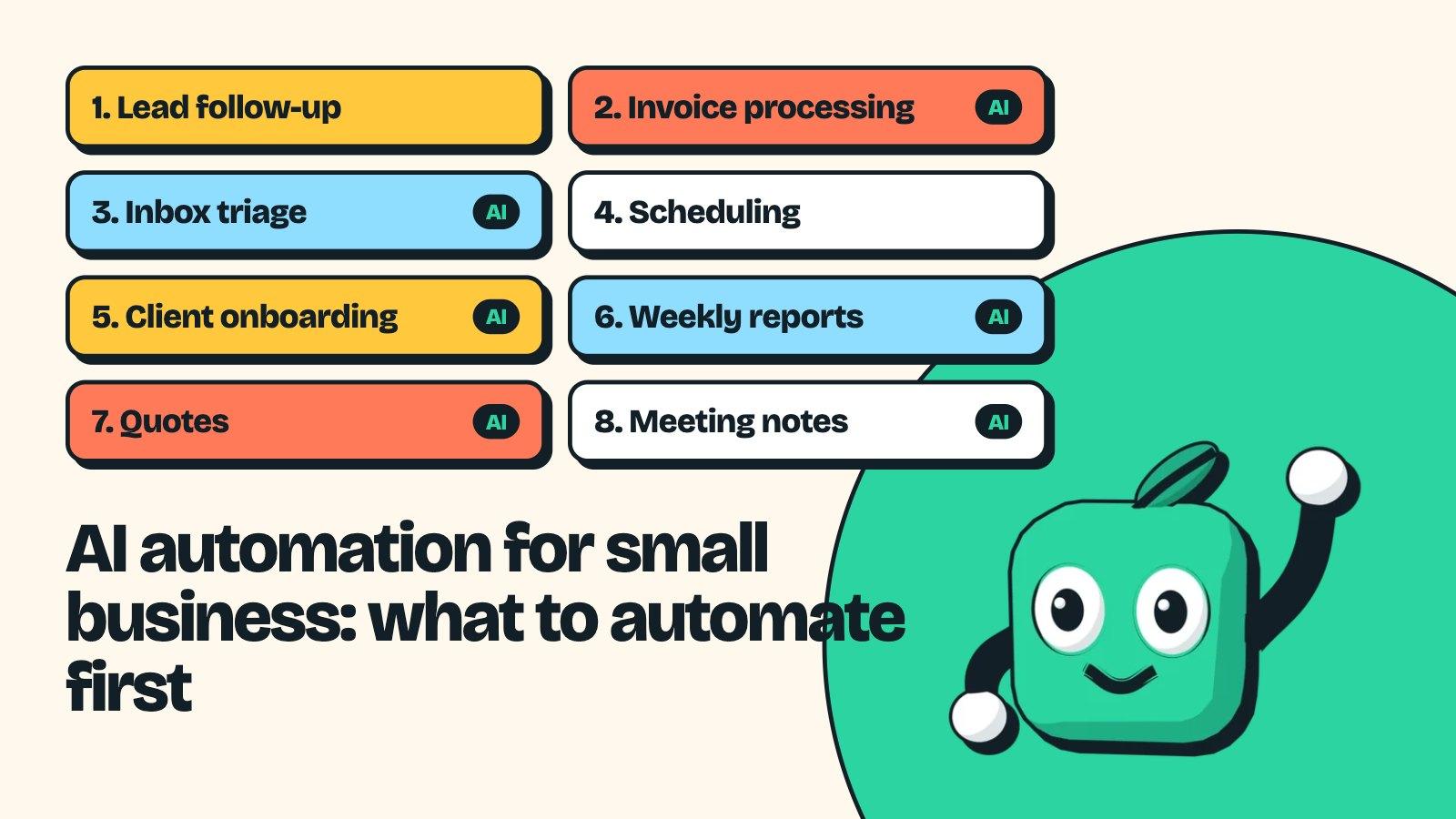
AI Automation for Small Business: 8 Workflows Worth Automating First
AI automation for small business, made practical: 8 workflows worth automating first, which ones need AI, what each costs, and where a person stays in charge.
· 9 min read
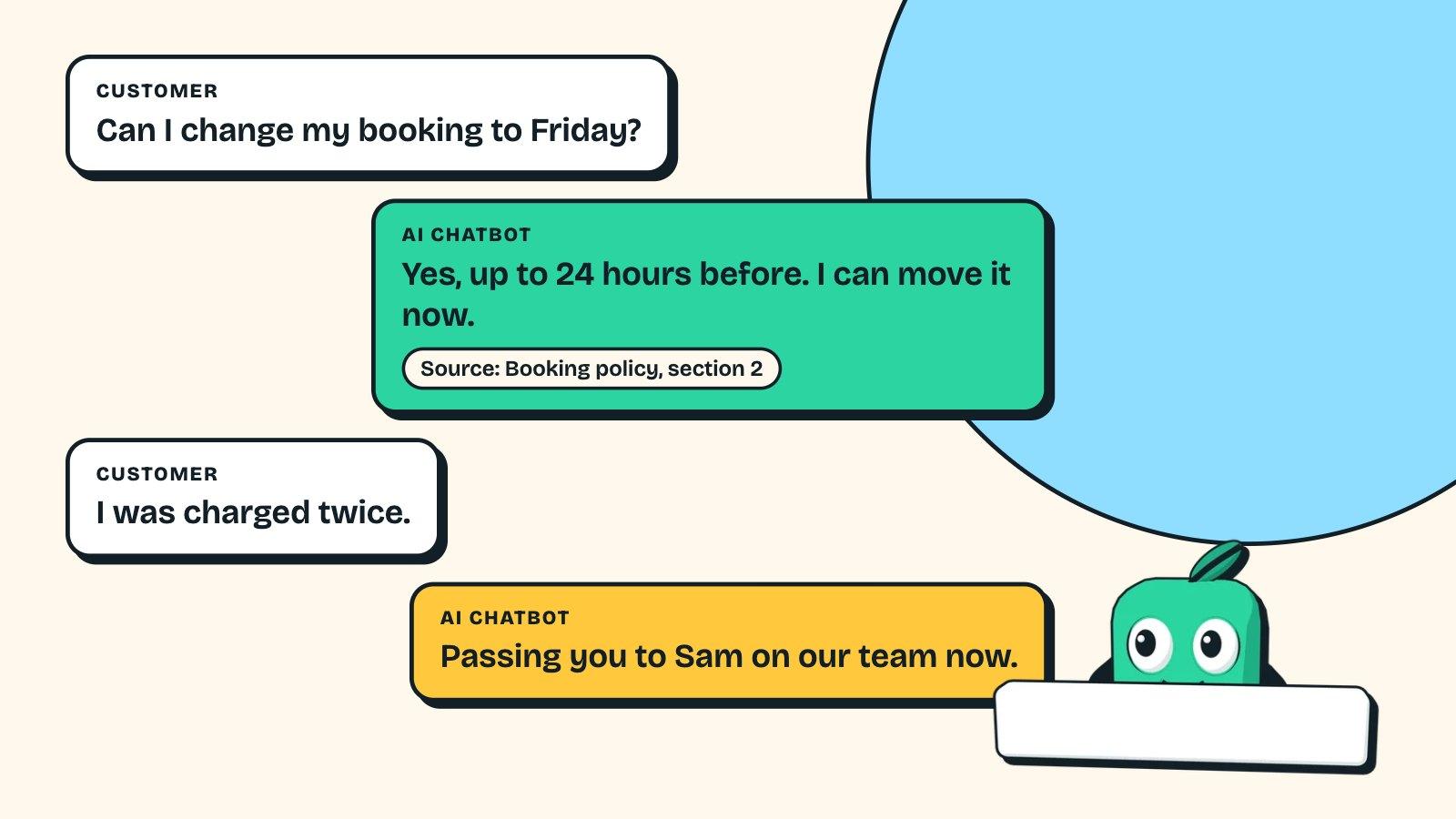
AI Chatbot for Small Business Customer Service: Buy or Build?
Choosing an AI chatbot for small business customer service: real prices for Intercom, Tidio, Zendesk and more, when a custom bot on your docs is worth it.
· 8 min read
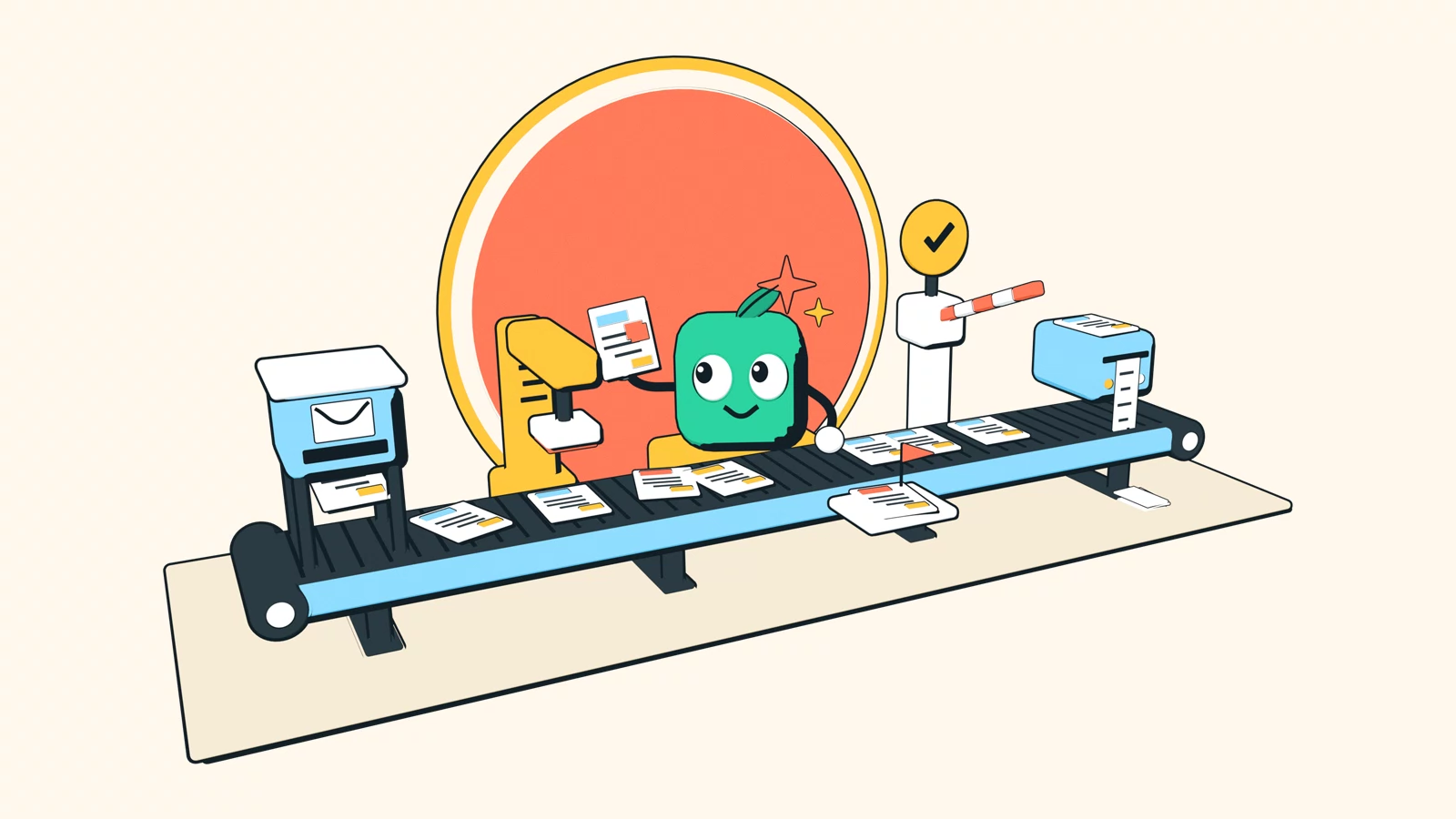
Business Process Automation With MCP: A Practical Guide
What MCP changes for business process automation: which workflows to start with, the tools that support it, and the guardrails that keep AI-run processes safe.
· 16 min read