 AI Automation
 for Small Business: 8 Workflows Worth Automating First
AI automation for small business, made practical: 8 workflows worth automating first, which ones need AI, what each costs, and where a person stays in charge.

By Taegan Murphy, Founder, MintLooks
9 min read
In this article
- 8 AI automation examples for small businesses
- Small business automation at a glance
- How to pick your first workflow
- AI vs traditional automation: what's the difference?
- AI for small business owners: off-the-shelf tools or a custom build?
- A real example: this site's lead system
- How to get started
- Frequently asked questions
AI automation for small business works best on the repetitive tasks your team does every week by the same rules: following up new leads, processing invoices, sorting the inbox, booking and reminding, onboarding clients, building reports, drafting quotes and turning meeting notes into tasks. Use AI only for the steps where someone has to read and decide, and keep a person approving anything that sends money or speaks to a customer.
That's the short version. Below are eight workflows worth automating first, with which ones need AI, what each typically costs to build, where a person should stay involved, and a four-question test for picking your first one.
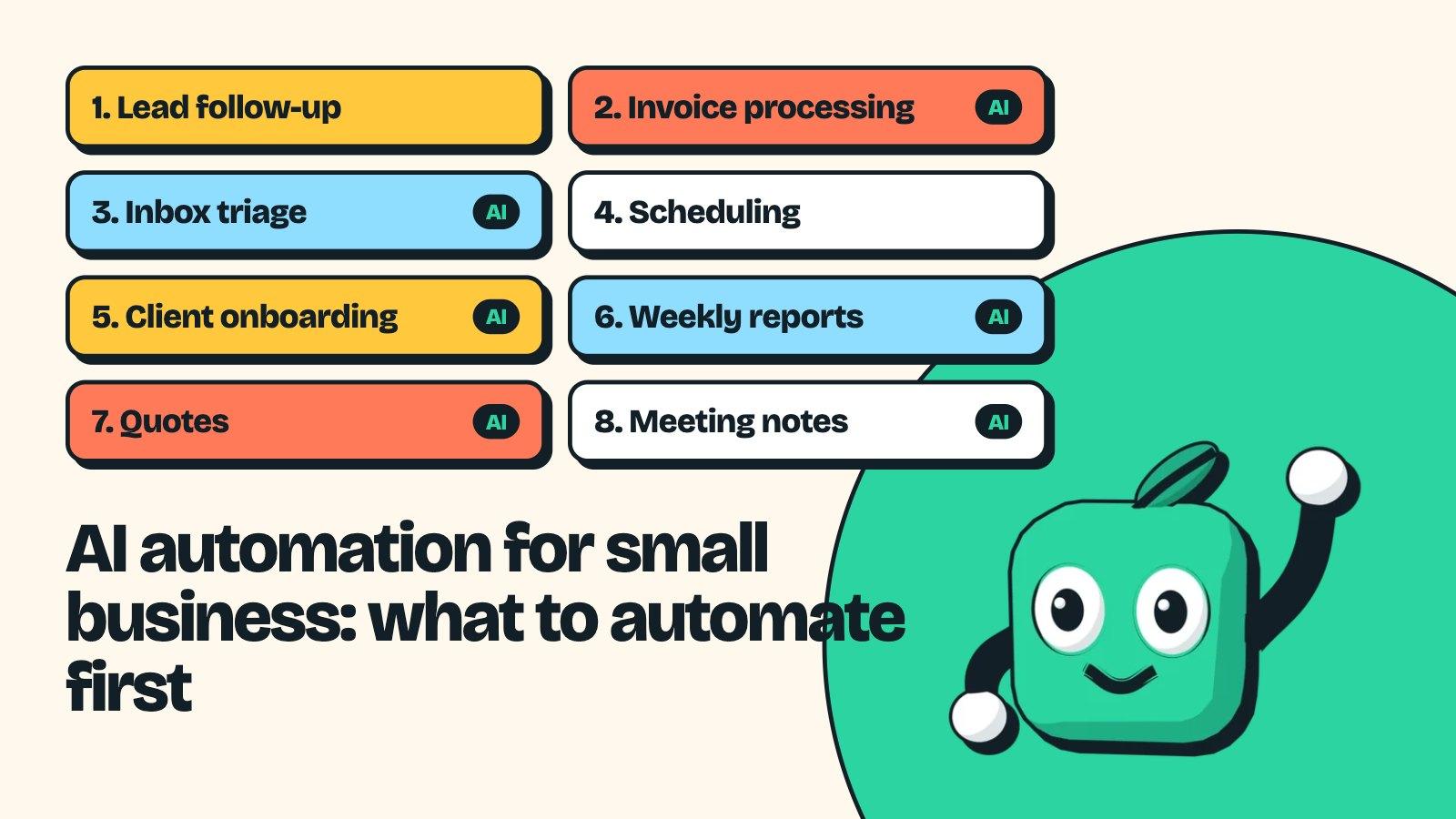
8 AI automation examples for small businesses
1. Lead intake and follow-up
A web form, email or ad lead arrives. The automation creates the contact in your CRM, records where they came from, opens a deal, puts a follow-up task on someone's list and sends an alert, so no enquiry sits in an inbox overnight.
- Needs AI? Mostly no. Plain rules handle it. AI is optional for lead scoring or drafting a first reply from the lead's message.
- Keep a person on: the actual reply. A fast, personal answer is what wins the job.
2. Invoice and receipt processing
Supplier invoices arrive as PDFs in a dozen layouts. AI reads each one, pulls out the vendor, amounts, dates and line items, checks for duplicates and enters it into your accounting tool. No more manual data entry, and a clearer view of cash flow. This is the classic case where AI beats older templates, because it copes with layouts it hasn't seen. More on this on the AI document processing page.
- Needs AI? Yes, for reading the documents.
- Keep a person on: anything over your approval limit, and anything the AI isn't confident about.
3. Inbox triage, customer inquiries and first replies
Customer support or sales email gets read, tagged (question, complaint, order, spam), routed to the right person and given a drafted reply that the person edits and sends.
- Needs AI? Yes, for reading and classifying free-text messages.
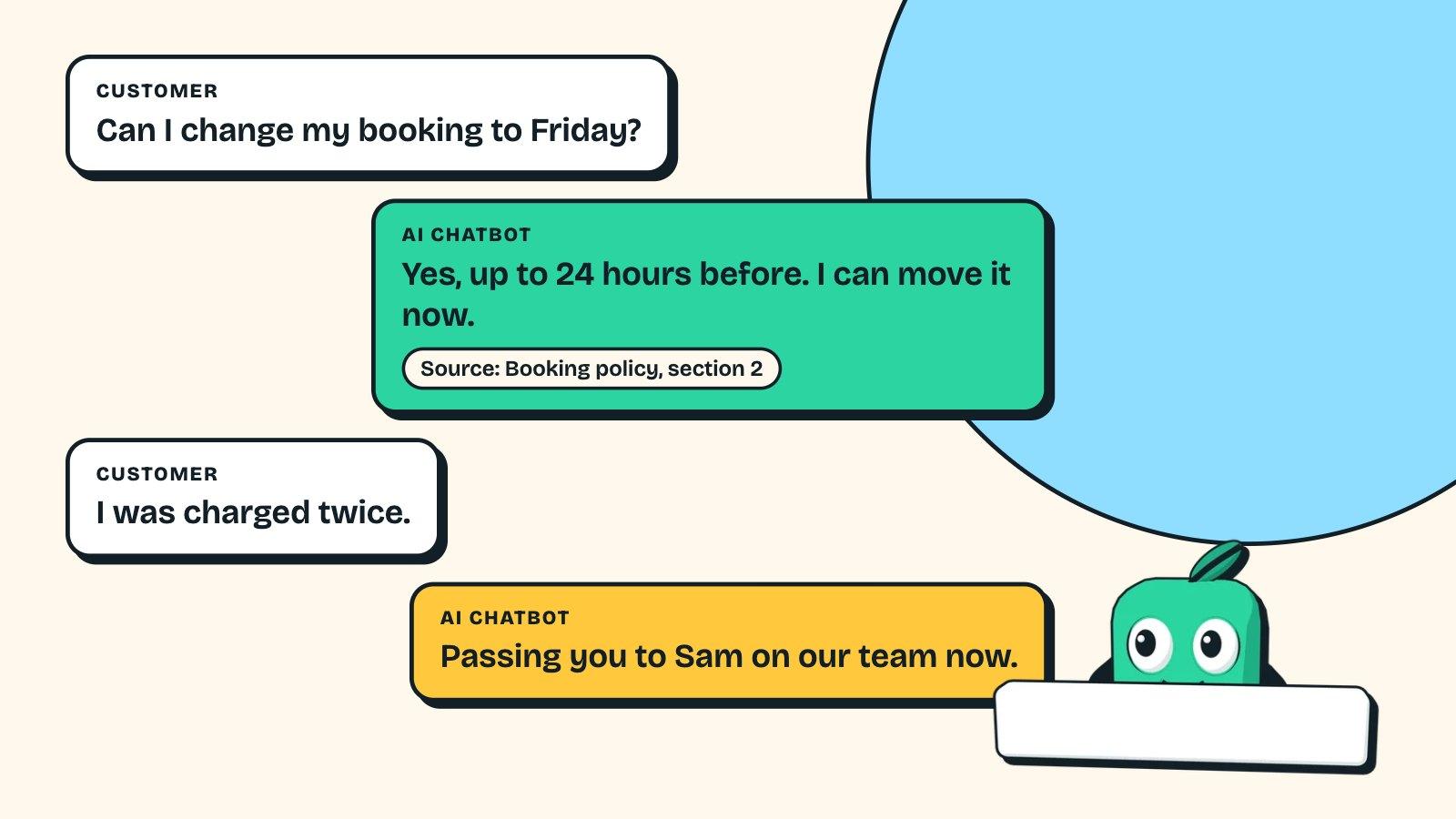
- Keep a person on: sending. Drafts save time; unreviewed replies to customers are where AI goes wrong in public. For questions your help docs already answer, an AI chatbot trained on your docs can reply directly, with a hand-off to your team.
4. Appointment booking, reminders and no-show follow-up
Bookings land in your calendar, confirmations and reminders go out on a schedule, and no-shows get a polite rebook message.
- Needs AI? No. Booking tools and plain rules do this well.
- Keep a person on: exceptions, like a VIP client or a complaint in a reply.
5. Client onboarding
A new client signs; the automation sends the intake form, creates their folder and records, checks the documents they upload are complete, and tells your team when everything is in.
- Needs AI? Partly. Rules move things around; AI can check that uploaded documents are the right ones and readable.
- Keep a person on: the welcome call and anything the documents flag.
6. Weekly reporting
Numbers from your CRM, accounting tool and ad accounts are pulled into one report every Monday, with a short plain-English summary of what changed.
- Needs AI? Only for the written summary. Pulling and charting the numbers is plain automation, or a live dashboard.
- Keep a person on: decisions. The report should start a conversation, not end one.
7. Quotes and proposals
The automation pulls the client's details and the scope from the CRM, fills your quote template, and AI drafts the scope wording from the call notes for you to edit.
- Needs AI? For the drafting step.
- Keep a person on: price and sending. Always.
8. Meeting notes into tasks
A meeting recorder transcribes the call; AI pulls out decisions, action items and owners, and creates the tasks in your project management tool and the notes in your CRM.
- Needs AI? Yes, for summarising and extracting actions.
- Keep a person on: a quick check of the action list before it's sent to the client.
Small business automation at a glance
| Workflow | Needs AI? | Typical build (MintLooks prices) | Keep a person on |
|---|---|---|---|
| Lead intake and follow-up | Optional | $1,500–$3,000 | The reply |
| Invoice and receipt processing | Yes | $1,500–$7,500 (by number of document types) | Over-limit and low-confidence items |
| Inbox triage and first replies | Yes | $3,500–$7,500 | Sending |
| Scheduling and reminders | No | $1,500–$3,000, or an off-the-shelf booking tool | Exceptions |
| Client onboarding | Partly | $1,500–$3,000 | Flagged documents |
| Weekly reporting | Summary only | $1,500–$3,000 (or a dashboard from $2,500) | Decisions |
| Quotes and proposals | Drafting | $3,500–$7,500 | Price and sending |
| Meeting notes into tasks | Yes | $1,500–$3,000 | Checking the list |
The full price breakdown, with running costs and a payback example, is in how much AI automation costs.
If one of those rows is the thing that eats your team's week, that's the one to look at first. A $350 automation audit maps it with your real numbers and ends with a fixed quote, credited to the build.
How to pick your first workflow
Run each candidate through four questions. The first workflow should get four yeses:
- Does it happen every week (or every day)? Rare tasks don't pay back.
- Does it take at least a couple of hours a week in total? That's the threshold where a build usually pays for itself within a year.
- Does it follow the same rules most of the time? If every case needs fresh judgement, AI can draft but won't save much.
- Is a mistake cheap to catch? Start where an error is a quick fix, not a lost client. Save the high-stakes processes for after you trust the system.
For most small businesses, lead follow-up or invoice processing wins. Both are frequent, rule-based and easy to check. Other good candidates once those run: low-stock alerts for inventory management, and payment reminders that keep cash flow steady.
AI vs traditional automation: what's the difference?
Traditional automation follows fixed rules: when a form is submitted, create a contact; when an invoice is paid, mark it done. Tools like Zapier, Make and n8n have done this for years, and it's still the right tool for most steps.
AI automation adds steps that read and decide: what is this email asking for, which fields are on this invoice, what are the action items in this transcript. Good builds use both, rules for the predictable steps and AI only where reading is required, because rules are cheaper, faster and easier to check. The guide to business process automation with MCP covers how AI connects safely to your systems for those steps.
AI for small business owners: off-the-shelf tools or a custom build?
Start with the AI tools and automation tools you already pay for. Many CRMs, accounting tools and inbox tools now include AI features, email platforms already handle marketing automation like email campaigns, and ChatGPT or Claude can draft and summarise on their own. If a built-in feature does 90% of the job, use it.
A custom build makes sense when the work moves between your existing systems (inbox to CRM to accounting), when your rules are specific to your business, or when you need approvals and a log of every action. That's the gap off-the-shelf tools leave, and it's where most of the hours go. See what that looks like on the AI automation services page.
A real example: this site's lead system
MintLooks' own lead intake is workflow #1, built in November 2026. When someone sends a brief, they're added to HubSpot with the page they came from, a deal opens with their budget, a note stores their message, a follow-up task lands on my list and an alert email goes out. If they book an intro call, the deal moves to "Call booked" on its own. No copying, nothing lost, and it runs on free plans at current volume.
How to get started
Pick one workflow with the four-question test, count how often it happens and how long it takes, and list the exceptions your team handles from memory. Then get a fixed price for that one workflow before committing to anything bigger.
If you'd rather have that done for you, the AI automation audit is $350, takes about a week and comes off the build if you go ahead. More guides are in the AI automation category.
Frequently asked questions
How can AI help small businesses?
By taking over repetitive read-and-decide work like sorting email, processing invoices and drafting replies, so your team spends its hours on clients.
What is the best AI for a small business?
The one built into tools you already use for simple jobs; for work that moves between tools, a custom automation using models like ChatGPT or Claude.
What should a small business automate first?
A weekly, rule-based workflow that takes a couple of hours or more and where mistakes are cheap to catch, usually lead follow-up or invoice processing.
Is AI automation expensive for a small business?
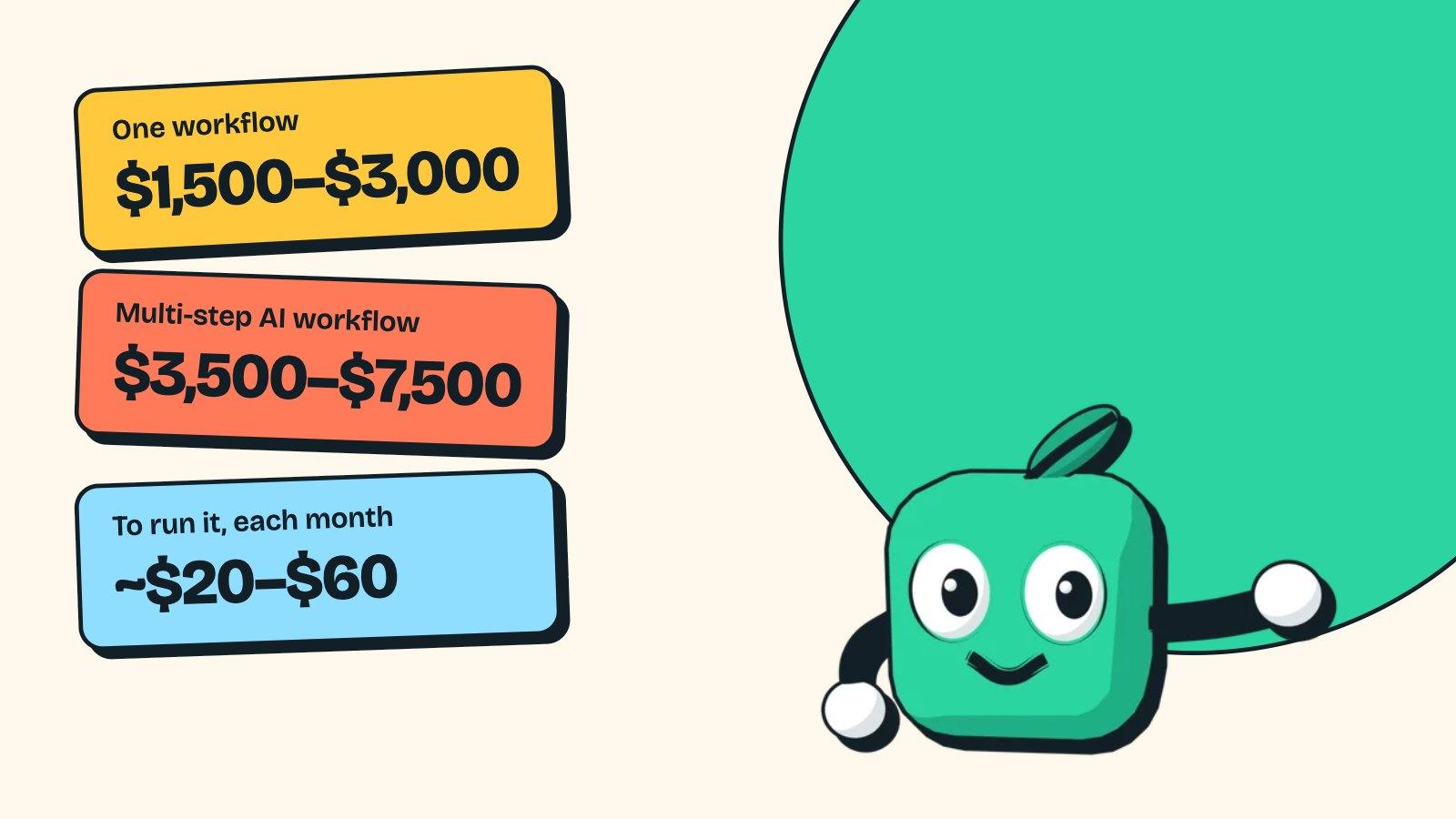
One workflow typically costs $1,500 to $3,000 to build and $20 to $60 a month to run.
Do I need technical skills to use AI automation?
No, if someone builds it for you; you need to know your process, its exceptions and who approves what.
Will AI automation replace my staff?
For most small businesses it removes the copying and typing, not the people; the time goes back into work that needs a person.

Written by
Taegan MurphyFounder, MintLooks
Taegan builds production web apps and AI integrations, including MCP servers, AI agents and automated workflows, for businesses that want software that does real work. MintLooks is the studio behind that work.
Or read how we approach it: AI automation services
Keep reading
How Much Does AI Automation Cost? Real Prices for Small Businesses
AI automation cost for small businesses: $1,500–$3,000 per workflow, $3,500–$7,500 for multi-step AI, about $20–$60 a month to run. Pricing and payback math.
· 11 min read
AI Chatbot for Small Business Customer Service: Buy or Build?
Choosing an AI chatbot for small business customer service: real prices for Intercom, Tidio, Zendesk and more, when a custom bot on your docs is worth it.
· 8 min read
Business Process Automation With MCP: A Practical Guide
What MCP changes for business process automation: which workflows to start with, the tools that support it, and the guardrails that keep AI-run processes safe.
· 16 min read